License + activation
Tiers at a glance
| Tier | What you get |
|---|---|
| Free | Champion DB, basic optimizer (speed only, 20/wk), Clan Boss Exact unlimited, unlimited preset export + Live-Sync, autofarm |
| Trial (7 days) | Premium experience except Hydra+Chimera Exact (paid-only) and full-stats display in Team Picker (speed-only on trial — by design) |
| Premium €9.99/mo or €99/yr | Full stats, unlimited Live-Sync, Clan Boss / Hydra / Chimera Exact, auto-routines, all QoL |
| Founders €99 once | Everything Premium has + unlimited weekly caps + all future paid tiers free + Discord badge. 75 seats total. |
Raid game accounts are the main thing your tier governs:
- Free and Trial bind to one (1) Raid game account on first launch — the first Plarium Play account RSL Tool detects. Switching to a different Raid account requires upgrading to a paid plan (or a one-off rebind via [email protected]).
- Premium and Founders work with unlimited Raid game accounts — switch in Plarium Play freely, RSL Tool re-syncs automatically.
Personal use. The license is tied to your email and meant for activation on the Macs you personally use. Abnormal patterns — license redistribution to other people, simultaneous activations from geographically improbable locations, etc. — may trigger an automatic license review. Honest users with multiple Macs (work + home + travel) never see this. Full text in Terms §3.
Per-feature breakdown lives on the pricing page; this article focuses on the activation flow.
Trial — automatic
The first time you launch the app on a Mac it provisions a 7-day Premium trial. No interaction required. The status bar shows the remaining days.
When the trial expires the app drops to Free without warning — your data and saved builds stay, only the gated features lock.
Paid activation — paste the JWT
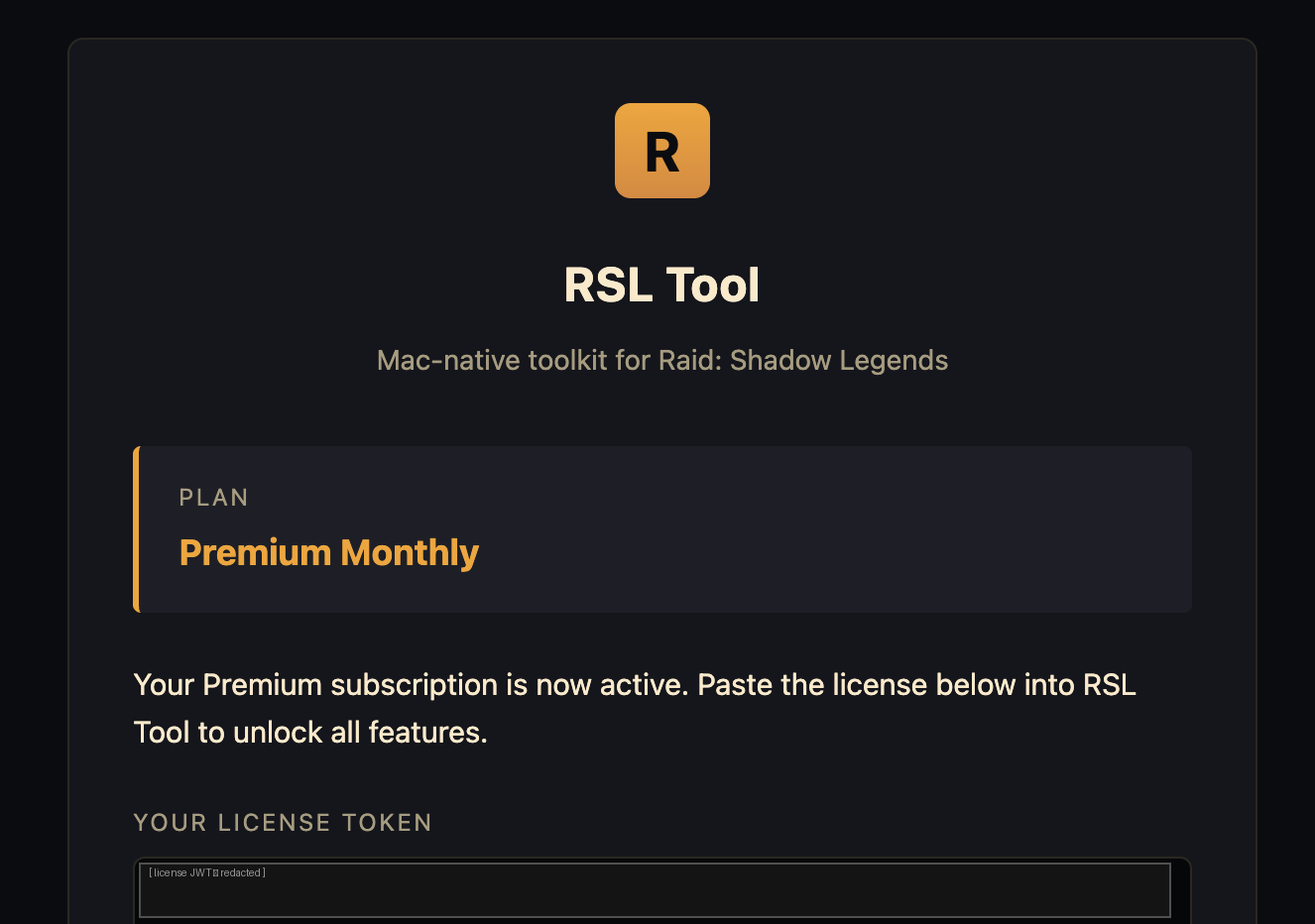
After purchase (via pricing — Stripe for cards, OxaPay for crypto) you’ll receive an email with your license token. It’s an RS256-signed JWT — a long base64 string in three dot-separated parts.
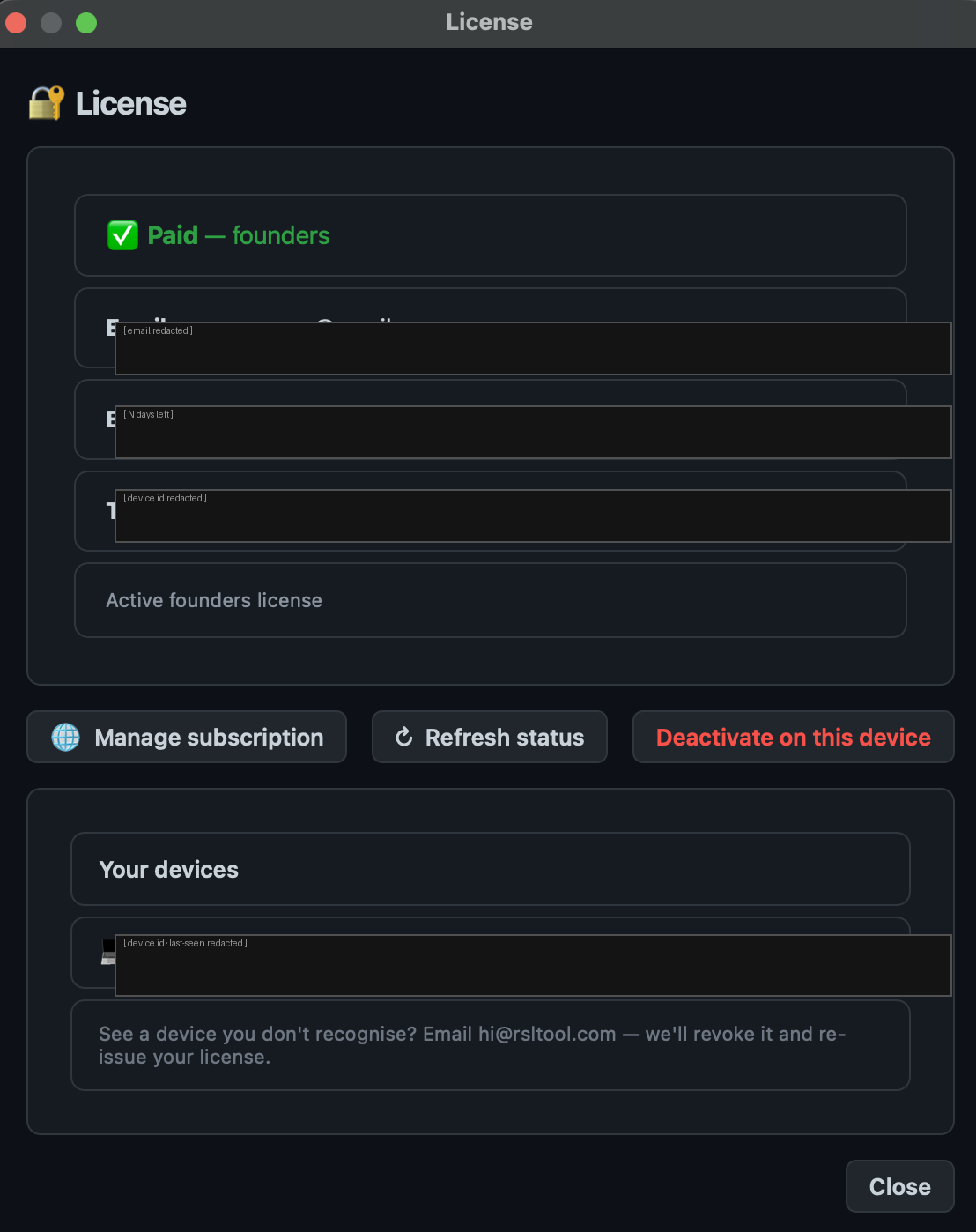
- Open RSL Tool → Settings → License.
- Paste the JWT into the License token field.
- Click Activate. The status bar refreshes within a second.
Lost the email?
Two recovery options:
- Self-serve at rsltool.com/account — enter the email you used at checkout, the app re-sends the latest license to that address. The form is anti-enumeration: it always says “sent” even for unknown emails, so people can’t use it to probe whether an address has a license.
- Email [email protected] — include your purchase receipt or transaction ID for fastest turnaround.
Re-activating after a reinstall
Lost your activation after an OS reinstall, factory reset, or a fresh install on a different machine? Just paste the same JWT again:
- Install RSL Tool.
- Open Settings → License, paste the JWT from your purchase email, click Activate.
The same token activates the app every time — no manual de-activation step needed.
Managing a subscription
For monthly/annual Premium plans you can manage billing yourself:
- Visit rsltool.com/account while logged into the same browser where you completed the original purchase.
- Click Manage subscription — opens the Stripe Customer Portal in a new tab.
- Cancel, update card, change email, download invoices — all from there.
Cancellation is at period end: you keep paid access until the current paid period runs out, then the license expires.
Where the license is stored
~/Library/Application Support/RSL Tool/license.jwt
The file is plain text containing the JWT. If you want to re-activate after an OS reinstall and the email is lost, this file is your backup — copy it to safe storage before reinstalling.